 Michael O'Day ™

WATCH FACE FOR WEAR OS (LEGACY), Tizen & WEAR OS (WFF)
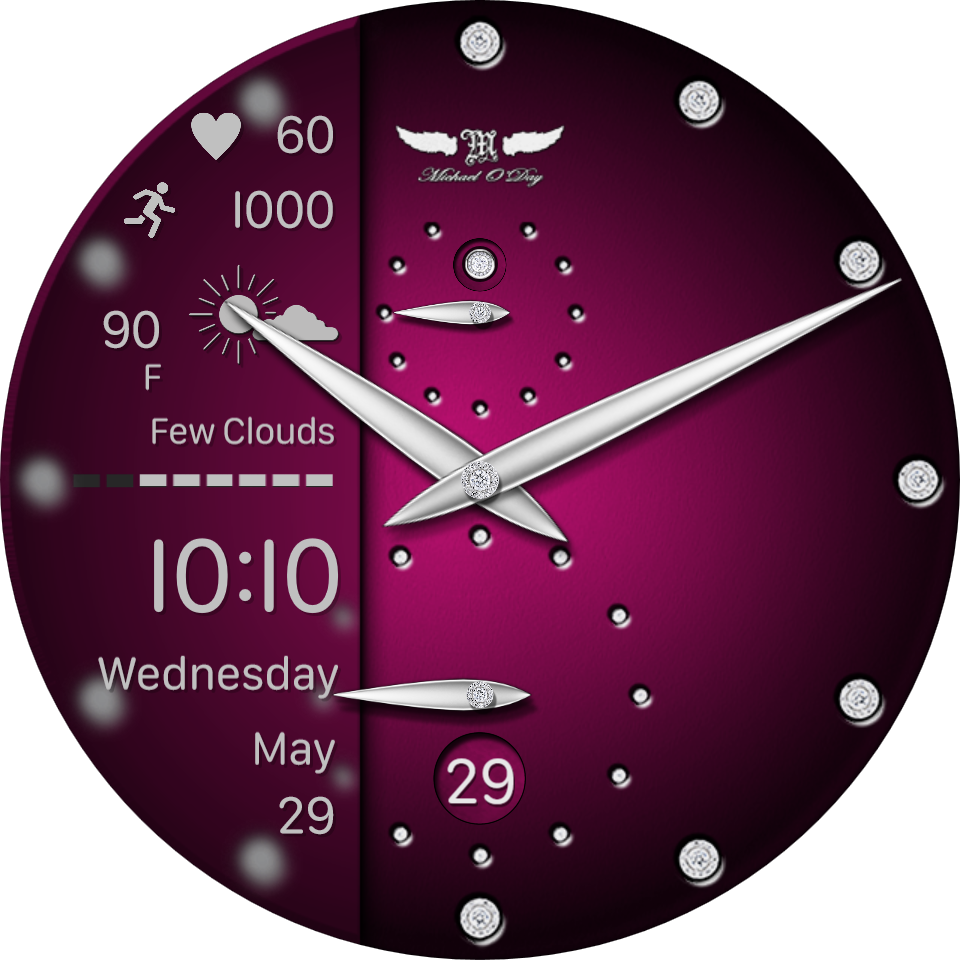
🗣️ #9361 Diamond Time SP
A stylish "talking watch" with app launcher and optional side information panel.
Tap the top of the face to hear the current time and the bottom of the face to show/hide the side panel.
Open the configuration controls to choose between the Speech or App Launcher modes. When in App Launcher mode, tap on the outer edge of the face to access the App Launcher for 3 seconds.
Tap the centre of the face to unlock the user controls to choose the "talking watch" or App Launcher and to adjust dial brightness and to choose white or theme colour the side panel text.
Please see the images below for how to use and configure the face.
Please note that in order to hear the voice your watch needs to be running the latest version of WearOS and sound need to be enabled.


Published on Jun 2, 2024
Other faces by this designer



Comments

@theresa:
@theresa: Cool, I'm glad you got it working! All the best, Mike



thank you so much! got it!
theresa
@theresa:
@theresa: It should be possible to tap the centre of the face to unlock the controls, tap on the 4 o'clock position to toggle theme or white text and tap the centre again to re-lock the controls. Does that not work?
@theresa: Thank you, I am glad you like it! Seconds at the bottom, yes. The top ones are for battery reserve. Did you see the information images that accompany the face? Cheers.
i cant change theme color for white or theme colored on side panel. it always stays white.
thank you!
theresa