WATCH FACE FOR WEAR OS (LEGACY), Tizen & WEAR OS (WFF)
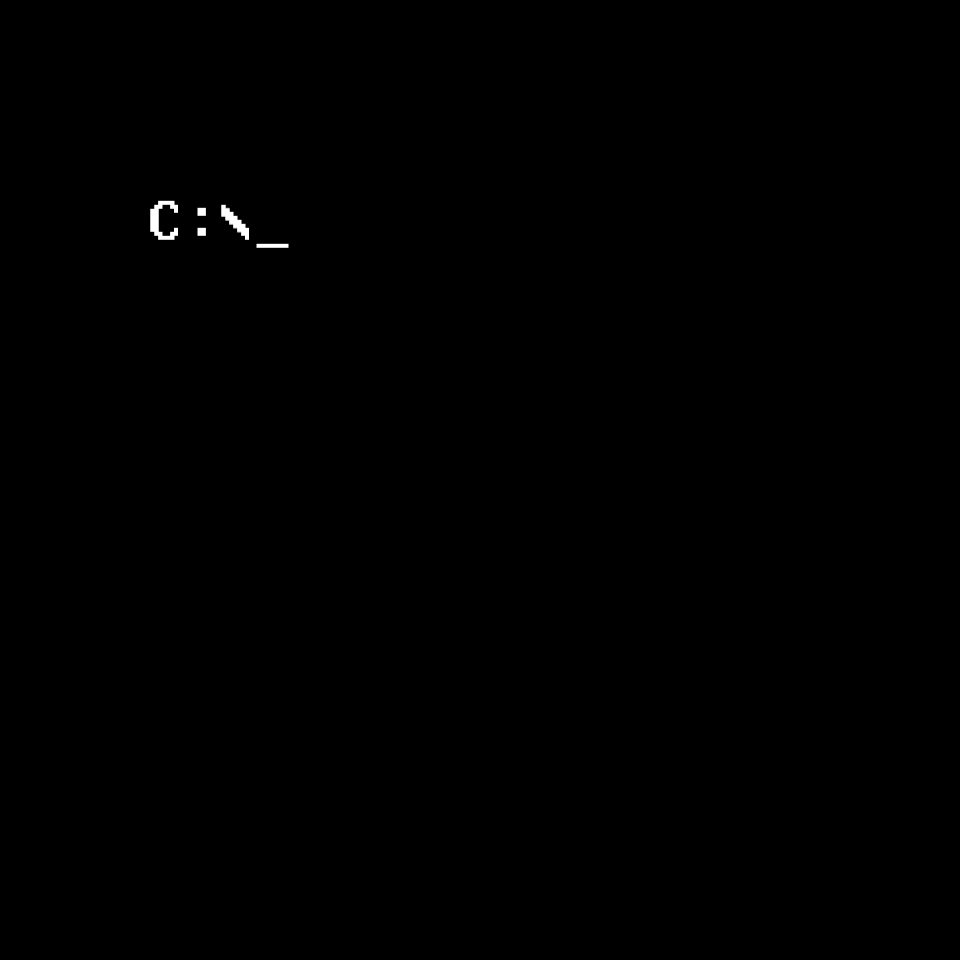
DOS (animated) [24h format]
On the active screen the watch "search" in the directory of the watch. After finding a number of bytes which is representing the heart rate, the main values will be listed. These are time, date, location, current temperature and the battery level of the smartwatch.
On the dimmed screen only basic information are shown.
Published on Jan 9, 2019
Comments
@NikBr0:
@NikBr0: Thank you for the feedback. I've updated the watchface.
it is showing the phone battery instead of a watch battery
ok cool thank you so much yeah I know I was at work when I got it and really enjoyed it and then someone asked me what time it was and I was like it's 21 and then got really confused lol and then sad because i got really sad cuz I was really into how cool and minimalistic this was I appreciate the effort that you are putting in thank you :)
@discord:
@discord: Thank you for your feedback.
I would like to have a leading zero, that's why I can't use #Db# which is using user's preferred format (12 hour or 24 hour clock). But I can make a second version of the watch.
Which would be your preferred format?
#DKZ# Hour in Day (12 hour, leading zero) (00-11) 00
#DhZ# Hour in Day (12 hour, leading zero) (01-12) 09
i really like this but i just noticed its in military time would it be at all possible to change that to standard if its jot to mutch trouble :)