 13th SQUAD

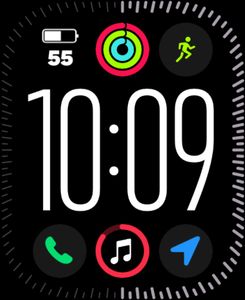
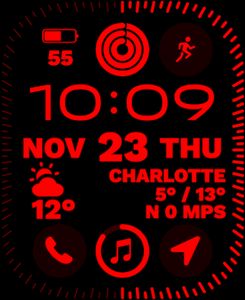
LED Ultra Info (free rvrs ver)
Compatible with Series 7 & up
Minimalistic LED style Apple Watch series 7 Face
All useful info
Compatible with
Features
Explore more
- Published on Nov 24, 2022
- © 2022 13th SQUAD. All rights reserved.

Other Faces by 13th SQUAD


Comments (2)

Esteban
It does not work

13th SQUAD
Face author
1 - !!!!! Update to the latest versions of iOS, WatchOS, Facer app ver. !!!; 2 - Turn off your Apple Watch and iPhone for a 30 sec. Then turn on them and unlock them; 3 - On your iPhone go to the Settings/Privacy & Security/Location service/ Facer and turn on it as “Always”; 4 - On your iPhone go to the Settings/Privacy & Security/Health / Facer - “Turn on All” 5 - On your iPhone go to the Settings/General/Background App Refresh / Facer - Turn on ; 6 - Turn on BT and Wi-Fi (+ Cellular if you’re outside) on both devices (phone and watch); 7 - Open Facer app on the phone and Re-login to your Facer account (keep the Facer app on your phone running); 8 - Then tap on the area that displays “facer background” on your watch (It will synchronize and start working properly). From time to time we all have to do so…. GL 😉

