 Fusion Studios

WATCH FACE FOR APPLE WATCH & APPLE WATCH ULTRA
F.S - Apple Watch Edition
Hi, thank you for taking time to look at this fresh, new design! If you like it, consider Liking it and Following F.S. for more new watch faces for your Apple Watch.
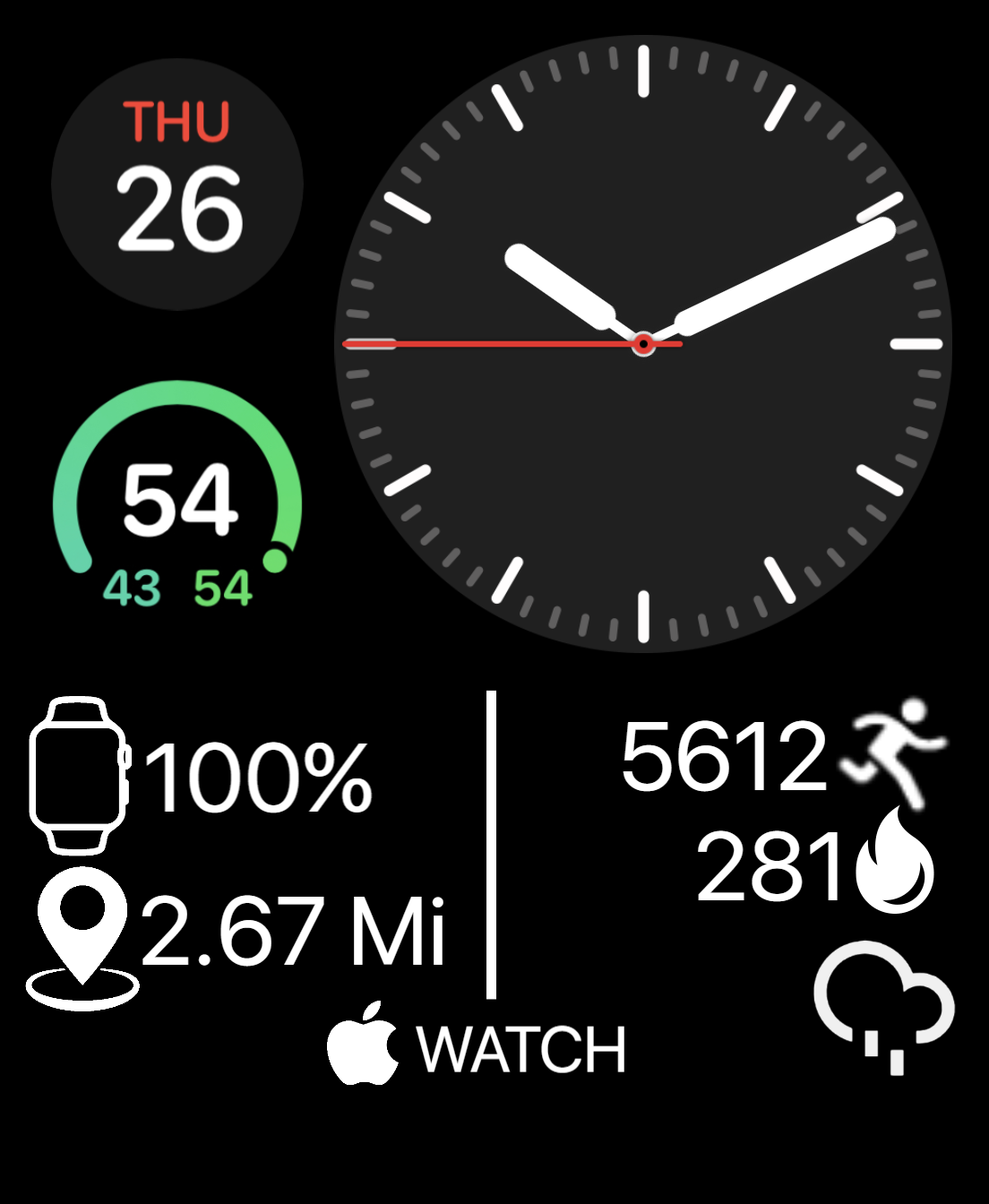
(UPDATE: I have removed the phone battery info due to reports that it was not working (and from my own use) and replaced it with distance info. Fusion Studios strives to make users happy and satisfied with its designs.) Apple Watch Edition is another attempt at creating a clean yet info-filled design. Featuring analog time (a digital version will be released very soon), temperature, battery stats, steps, calories, and weather conditions, this is enough to keep you from ever going into your apps for device or health data. Let me know if you want me to add different complications for this, as I am willing to make other versions of it. Enjoy!
Published on Feb 11, 2023
Other faces by this designer


Comments

@keepachris:
@keepachris: Hi, the watch face is programmed to run in either the Metric or Imperial units of measure, depending on what the user has it set on. If the watch face is reading in Kilometers, then you need to go into the menu bar at the top left corner of the Facer app on your iPhone. Go into settings, and select the unit of measure you wish to use. Let me know if you have any other questions.
Have a good day,
Fusion Studios

Is there anyway I can change distance measured from KM to MI?
@codance:
@codance: Hello, would you be happy if I replaced the phone battery with a complication showing the location of the user?

I see several people sharing the same thing about the percentage of the phone, not working. Please fix.
@CommunityDesigns: I do not know at the moment; the watch battery text works fine for my Apple Watch, but the phone percentage comes up as 2 dashes. I may just have to replace the phone battery with another complication.