 Robson Ivan

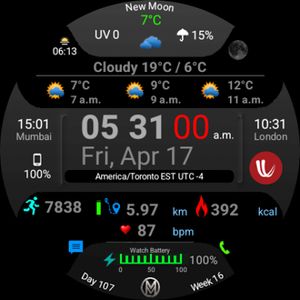
Millen C42B1 - Weather Slant
Another take on weather forecast. This has all the information you need and the AOD is functional. Battery text flashes red below 25%.…
Compatible with
Explore more
- Published on Nov 29, 2020
- © 2020 Robson Ivan. All rights reserved.
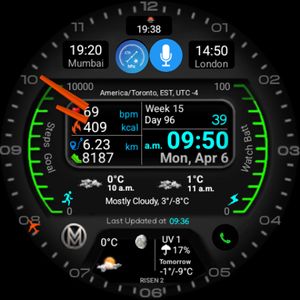
Other Faces by Robson Ivan


Comments (5)

Leeuzeass
Hello and welcome! :-) I am very pleased to be able to communicate with you! :-) Especially because out of all Facer, your shields are by far the most impressive to me! :-) Really - I like a lot of them! :-) But you have to choose one... Currently it is this wonderful and extremely beautiful shield. But I also had many other Lord's shields installed.
However - I have to report a problem with them that occurs on my Samsung GW6 Classic. Well, it consists in this: e.g. after restarting the system - and thus the dial itself - this problem appears - with the temperature values displayed on the dial for ALL days; the dial then shows the same temperatures for all 5 days of the forecast... Only from time to time the correct temperature values for these 5 days appear... But the current temperature is usually correct... Why is this done? I would like to ask you and all users of these shields - if you know this problem and have solved it - share your experience - e.g. here... Meanwhile - thanks in advance and best regards! :-)

Robson Ivan
Face author
Thank you and nice to know you like my watchface designs. BTW, the design looks nice on your GW6 Classic. The problem that you mention is typically a location permission (allow Facer access to Location in your mobile phone settings), and connectivity issue. If you open Location in settings, you should be able to see Facer. The forecast for the 4 days are based on open weather that Facer uses. Here is how you can try and rectify your issue. See that your phone and watch have location settings enabled. Next, reboot both your smartwatch as well as mobile phone, and finally, delete the watchface from your smartwatch and re-sync the watchface. Now, wait for some time till the weather information is populated. It should work absolutely fine. :)


