Allen Miquel

WATCH FACE FOR WEAR OS (WFF), WEAR OS (LEGACY) & Tizen
GH-360 Wake
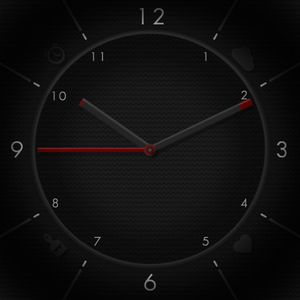
A stripped down version of my ideal "Hybrid" watch face, in that the user can't interact with the screen via touches and no color picking, but on the flip side, it's free!
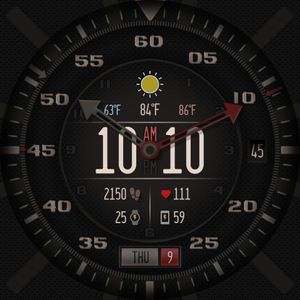
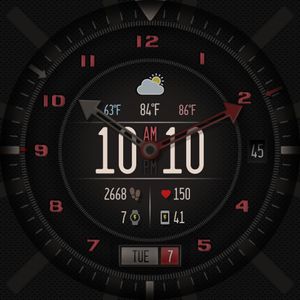
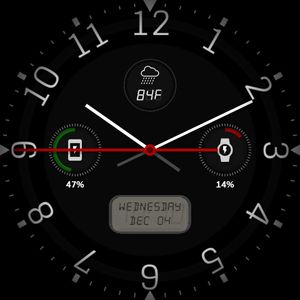
When your watch screen wakes (when it turns ON, or comes out of the AOD mode [alternatively you could flick your wrist*]), you trigger the Wake Mode for a few seconds. The needles will smoothly move to a new position; the Hour needle will point at the current Day of the week on the left-upper side (the current Date is also displayed on this side), and the Minute needle will work as a divider between the left and right side of the bottom part of the screen, where the watch face displays phone and watch battery indicators, heart rate monitor, and step counter. Lastly, the weather condition and temperature will display on the right side.
Check the picture attached to peek at the Wake Mode without having to download the watch face!
**Note**: You can test the Wake Mode by double-clicking the AOD button in the preview (Sun/Moon icon).
As always, feel free to drop a comment with any thoughts!
Enjoy!

Published on Dec 30, 2019