 Creative eXtremes

CX019 ʷᶠᶠ
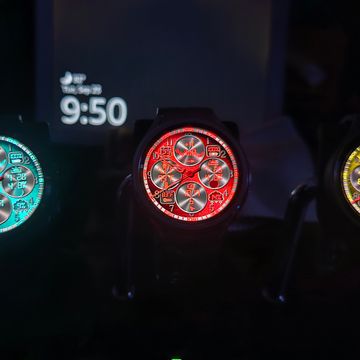
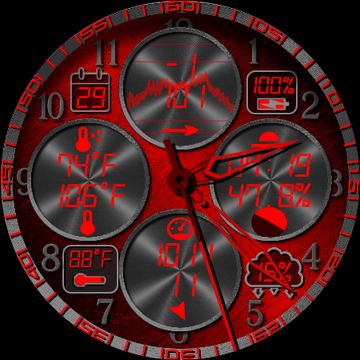
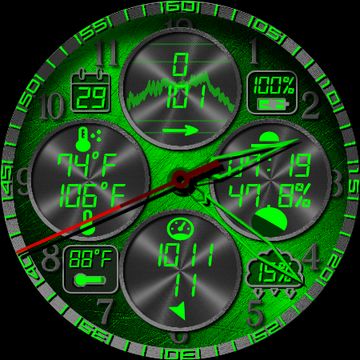
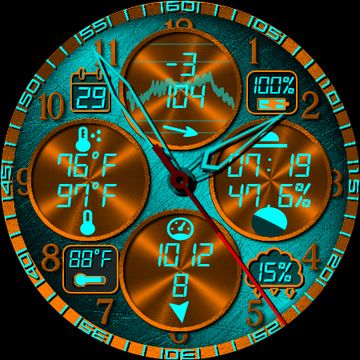
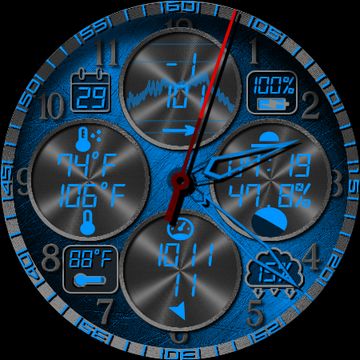
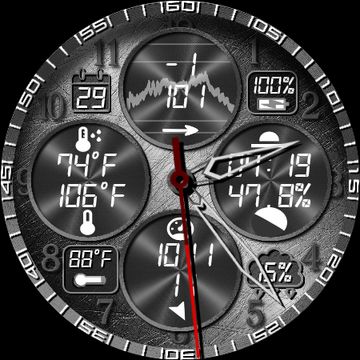
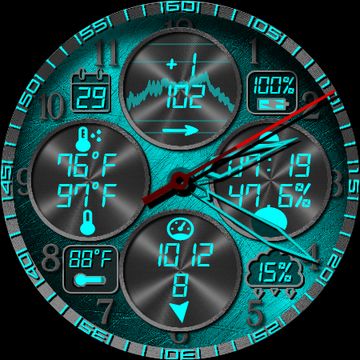
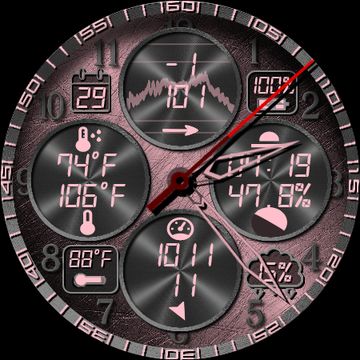
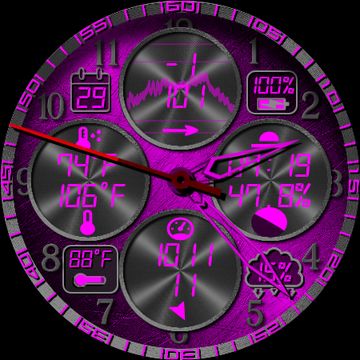
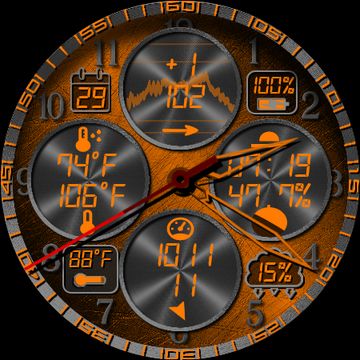
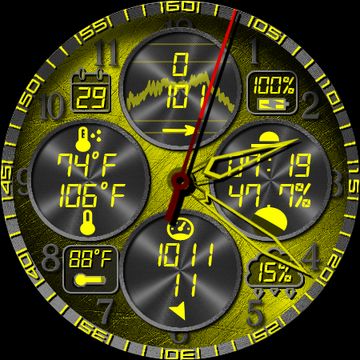
CX019 Colorful Analog (WearOS 6 WFF)
10 Color Combinations
- Default Turquoise and Orange
- 9 Vibrant Colors with Obsidian contrast
4 Fixed Complications
- Date
- Battery Percentage
- Current Temperature
- Current Chance of Precipitation
8 Customizable Complications
- 4 TEXT, TEXT & ICON, SMALL_IMAGE, and ICON
- 4 TEXT, TEXT & ICON, TITLE/TEXT and ICON
Top Complication can be enabled to show with AOD
Tap Date to Launch Calendar
Tap Battery Percentage to Launch Battery App
Tap Current Temp or Precipitation to Launch Weather App
Tap Center of Dial to Launch Recent Apps
- Switch Hours from Tick Marks to Numerals
- Two Set of Hands
- Moving shadow based on physical watch movement
Published on Sep 29, 2025
Other faces by this designer


Comments (4)

WATCH WITCHER
Thank you for your quick response. I started 4 years ago with the facer creator. I tried Samsung Watch Studio but it's too difficult for me. Keep up your excellent work 👍🏻😎

Creative eXtremes
Face author
It was pretty daunting at first. I'm a programmer by trade, so I picked it up fairly quickly. Thank you for your kind words!!! I started following you. You work looks great. I'll check it out further.