 HOTWatch


WATCH FACE FOR WEAR OS (LEGACY) & Tizen
HW | Rural Pro
🔥 Introducing a new premium watch face! Timeless modern design suitable for everyone. Vibrant colors with the possibility of setting of different color variants. Additionally, you can change the accent color using the Color Picker.
🎨 The watch face is interactive with various setting options, a complete list of all features and how to control them can be found (as always) in the attached images. Includes AOD/DIM ECO Mode.
💥🤘 Stay one step ahead with HOTWatch! Don't miss out on our latest watch faces. Follow us to be the first to know about them. Thank you for your support!


Published on Feb 2, 2024
Other faces by this designer


Comments

@anup:
@anup: Wow, thank you so much for the positive feedback! I'm really glad you like the design and find it useful. Your appreciation motivates me to keep creating! 😊

One of the most aesthetic and useful watch face on Facer, well done and thank you !
@Devesh bawa:
@Devesh bawa: Hello, thank you for your feedback. In the past week, I have heard from other sellers that some customers are complaining that the steps are showing them the wrong values. We use the official shortcut to display the number of steps, please contact Facer support. As for the occasional black screen, I'm assuming it's the watch, the watch face itself doesn't have that feature.

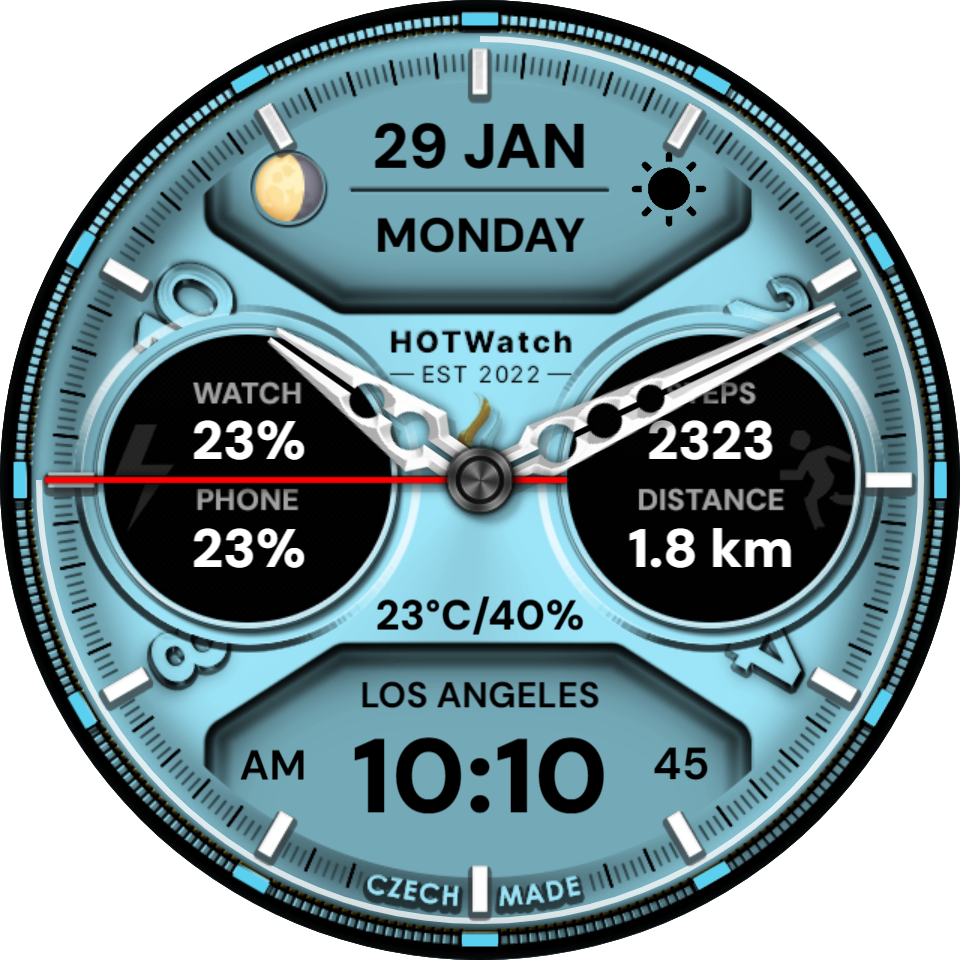

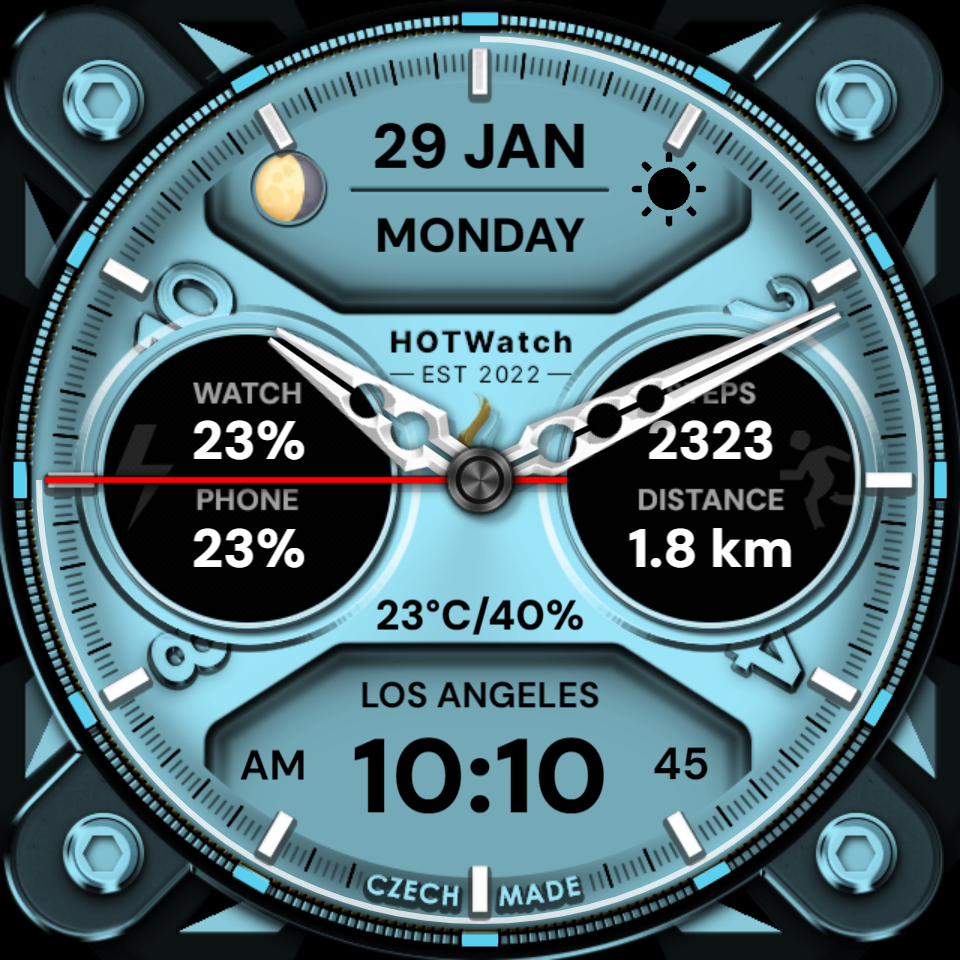

great design however i am noticing a few snags occuring. the steps arent be8ng mo itered corerctly and the face is turning black everynow and then.
@Joeblaze311: Hello, the steps are definitely working, you can look at the first comment below this watch face, a fan took a picture of the watch face and here are the steps clearly working. I recommend trying this procedure: switch to a different watch face than Facer and then back. You will be prompted for permission and the step view will work.