 Michael O'Day ™

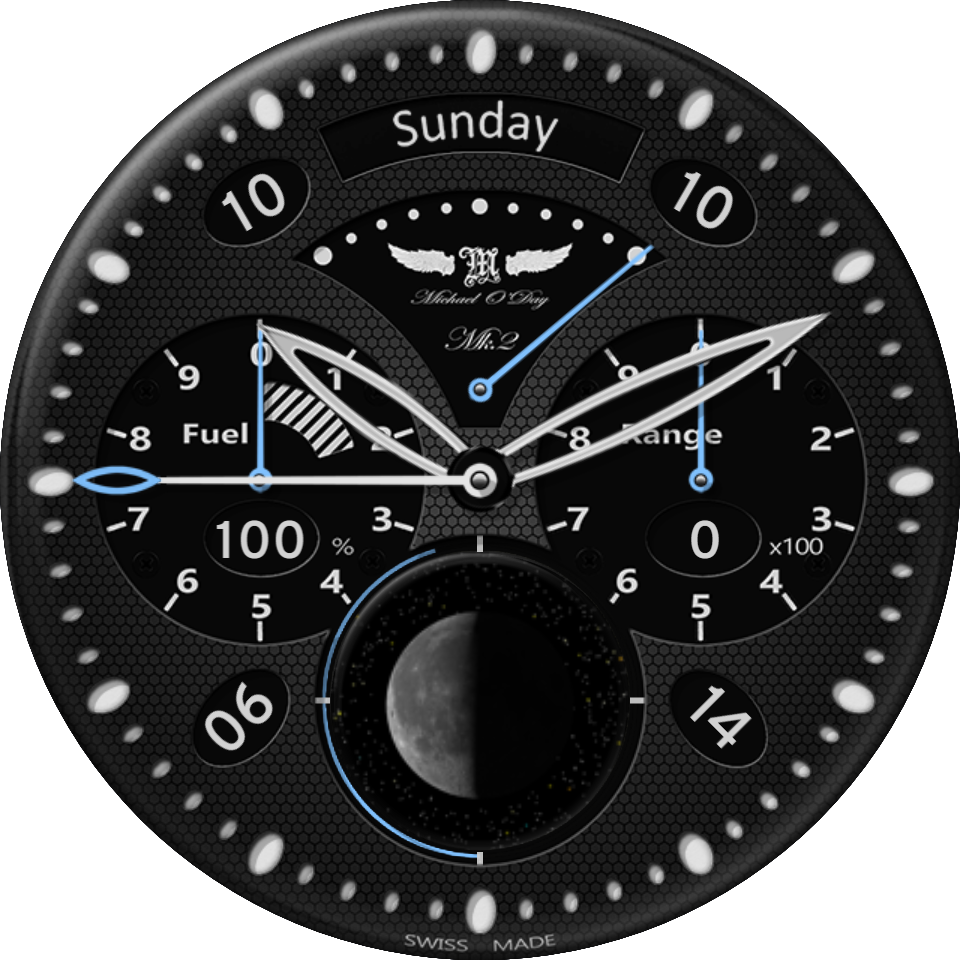
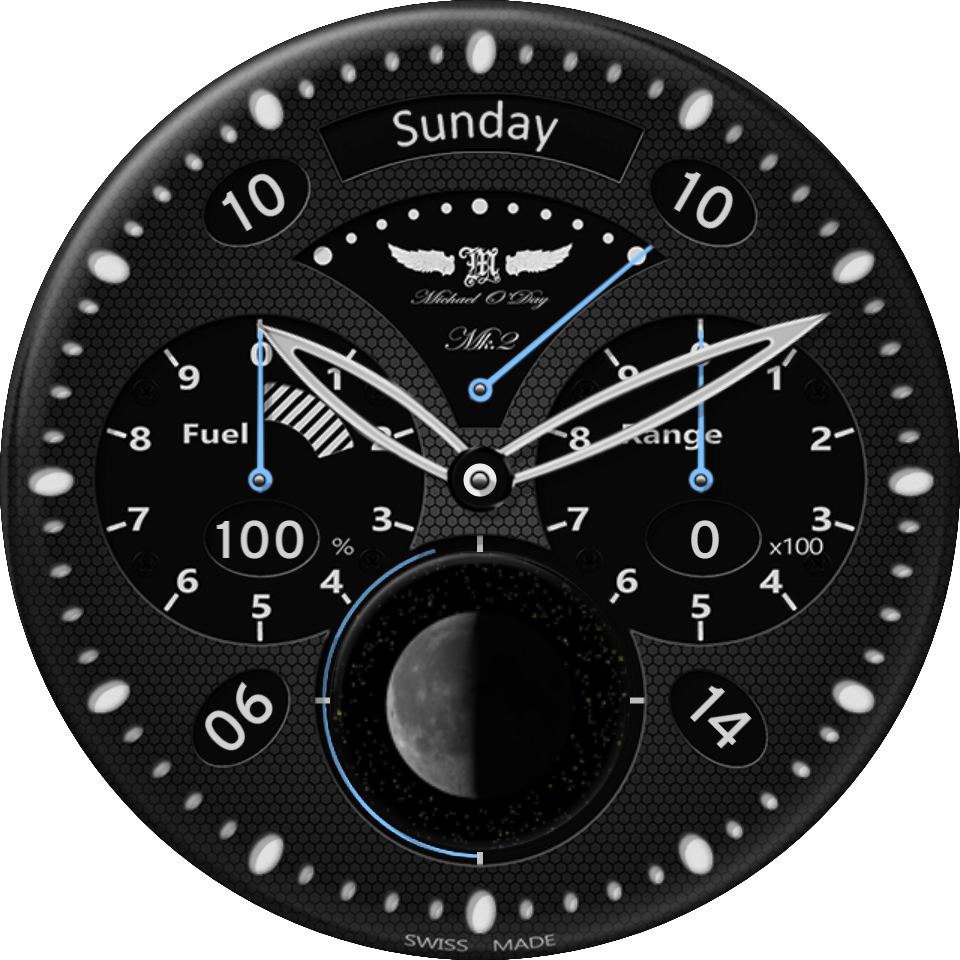
Aviator Mk.2 Limited Edition
Now you can change the colour and configuration of the very popular Aviator Mk.2 watch face!…
Compatible with
Explore more
- Published on Oct 16, 2019
- © 2019 Michael O'Day ™. All rights reserved.
Other Faces by Michael O'Day ™


Comments (2)

Apsla1
Good Day,
the meeting is not smooth at all. Is there a setting that I can change? Can I make the background all black?
thank you

Michael O'Day ™
Face author
I am sorry but the meaning of "the meeting is not smooth" is not clear. But yes, there are some things that you can change. There are a set of information images below the face in the Facer app and on the web page for the face; these give details on how to configure the face. In summary, tap on the centre of the face to unlock the controls and then tap on parts of the face to make changes. Tap again on the centre to re-lock the controls. I hope that helps.