 B Sharp Art

WATCH FACE FOR WEAR OS (LEGACY), Tizen & WEAR OS (WFF)
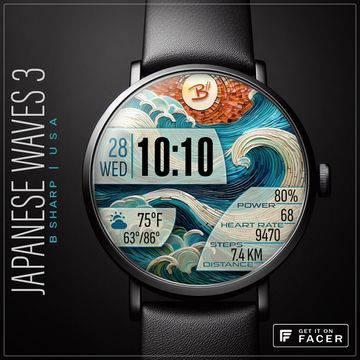
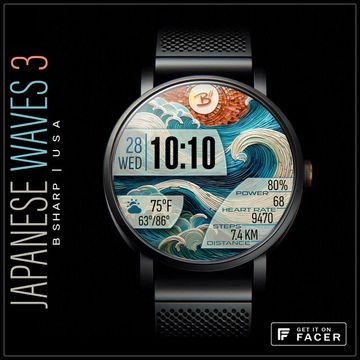
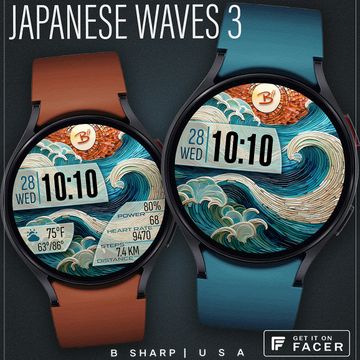
B# | Japanese Waves 3D
Ceramic mosaic styled face with great colors and all the important info.
TAP data elements to launch corresponding apps.
Enjoy and please follow B Sharp Watches to never miss a release!
Smart watch faces for watch lovers!
Published on Jan 6, 2026
Looks for this watch face
Other faces by this designer


Comments (16)

X
The weather doesn't work on this for Samsung Ultra 2. Major disappointment!

B Sharp Art
Face author
hi! It will work. Two things to try... first, confirm that you have location permissions enabled on the watch. Second, reboot the watch. Someone else had this same issue on the Ultra 2 and the reboot fixed it. But it is also necessary for location permissions to be enabled. so the weather knows which local station to draw from.